Quickstart
With nilAI, it is possible to run AI models within a trusted execution environment (TEE). Once you have nilAI API access, you can start using LLMs on nilAI with any OpenAI-compatible library. This quickstart uses the latest secretllm_nextjs example to build a private chat app with API key authentication.
Getting Started
In this quickstart, you will run a private AI chat application via Next.js.
Prerequisites
- Node.js 18 or newer
- A package manager (pnpm recommended)
- A nilAI API key
Project Setup
- Clone the examples repo and move into the Next.js example:
gh repo clone NillionNetwork/blind-module-examples
cd blind-module-examples/nilai/secretllm_nextjs
- Create your
.envfile:
cp .env.example .env
Now we need to set NILLION_API_KEY using the API KEY from the Developer Portal.
- Get your API Key from above and then add your nilAI API key:
NILLION_API_KEY=YOUR_API_KEY_HERE
- Install dependencies and run the app:
pnpm i
pnpm run dev
- Open
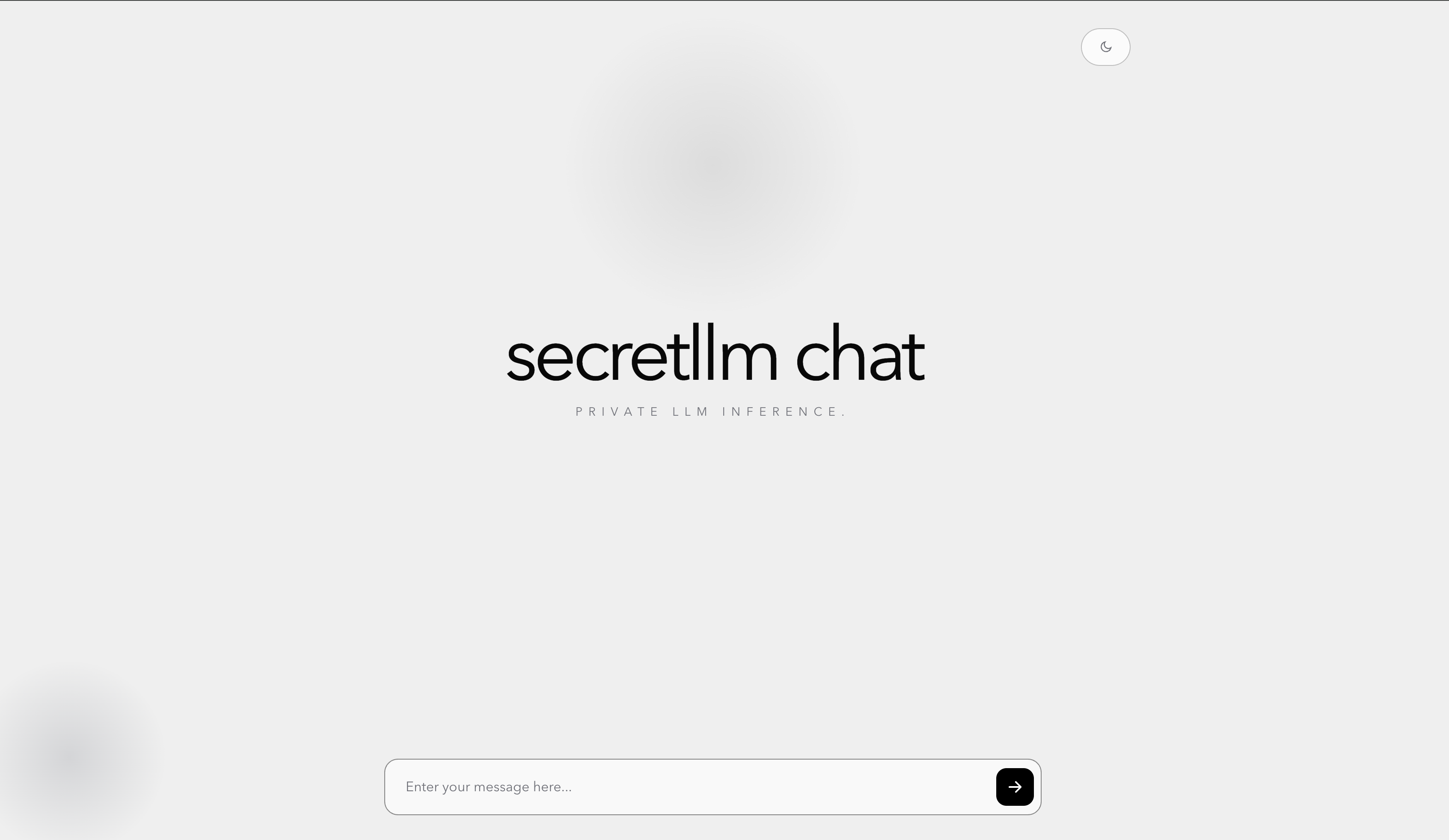
http://localhost:3000and send a chat message.
Usage
The Next.js route in this example:
- Reads
NILLION_API_KEYfrom your.envfile. - Sends your messages to
https://api.nilai.nillion.network/v1/chat/completions. - Uses model
google/gemma-4-26B-A4B-it. - Returns the response text (and signature when present).
loading...
Verification
After submitting a prompt in the UI:
- You should see an assistant reply in the chat panel.
- If configuration is wrong, the chat UI shows the API error message.
Customization
You can also customize the types of models you want to use. Currently available models are listed here.
What you've done
🎉 Congratulations! You just built and interacted with a privacy‑preserving LLM application:
- You (Builder) get access to the secretLLM SDK.
- You (User) can provide a prompt to the LLM.
- The LLM understands your prompt and returns an answer via direct API key access.
This demonstrates a core principle of private AI: you can create endless private AI applications via Nillion.